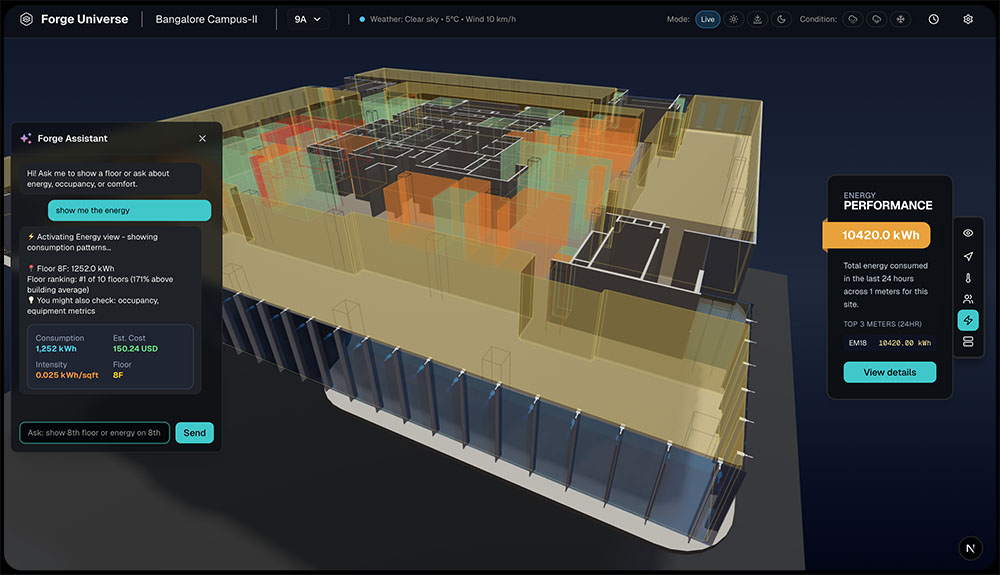
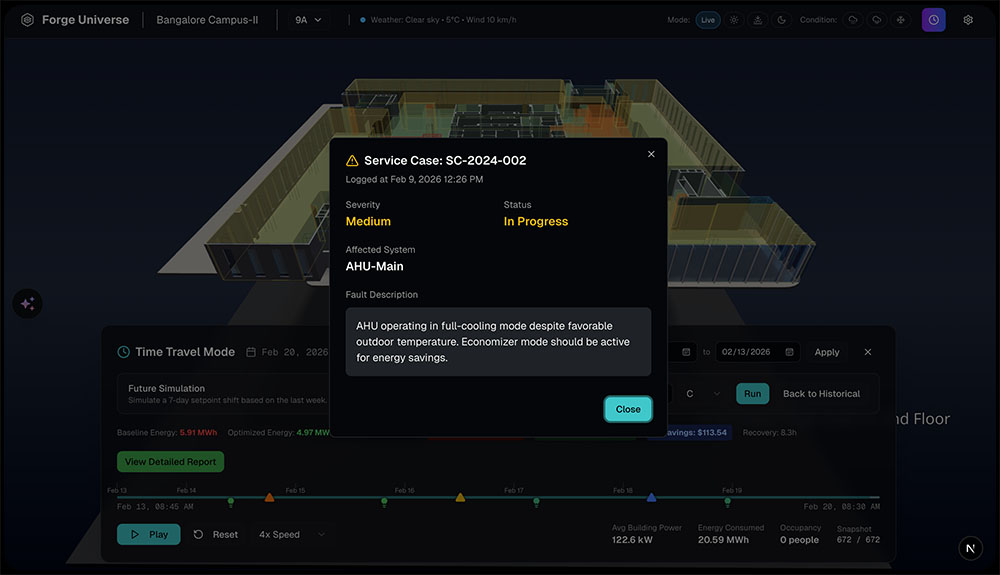
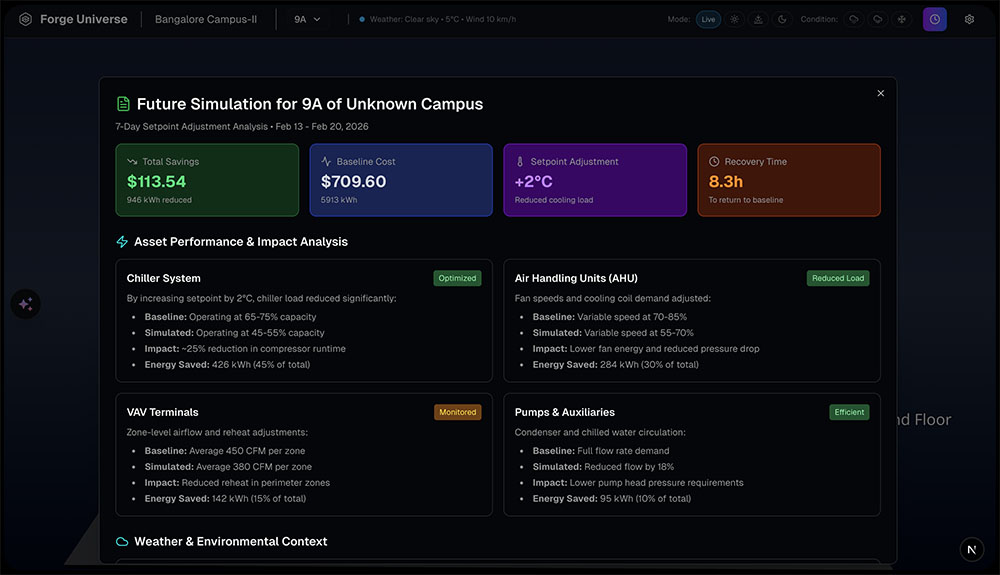
I know Floor 8 has high energy consumption, but I have no idea which part of the floor or which equipment is causing it.
Persona -
Building Engineer
It takes me 20 minutes to answer a simple question: ‘How many VAVs do we have in the executive offices?’ I have to open 3 different systems.
Persona -
Operations Manager
When executives ask about building performance, I spend more time explaining the data than actually showing insights.
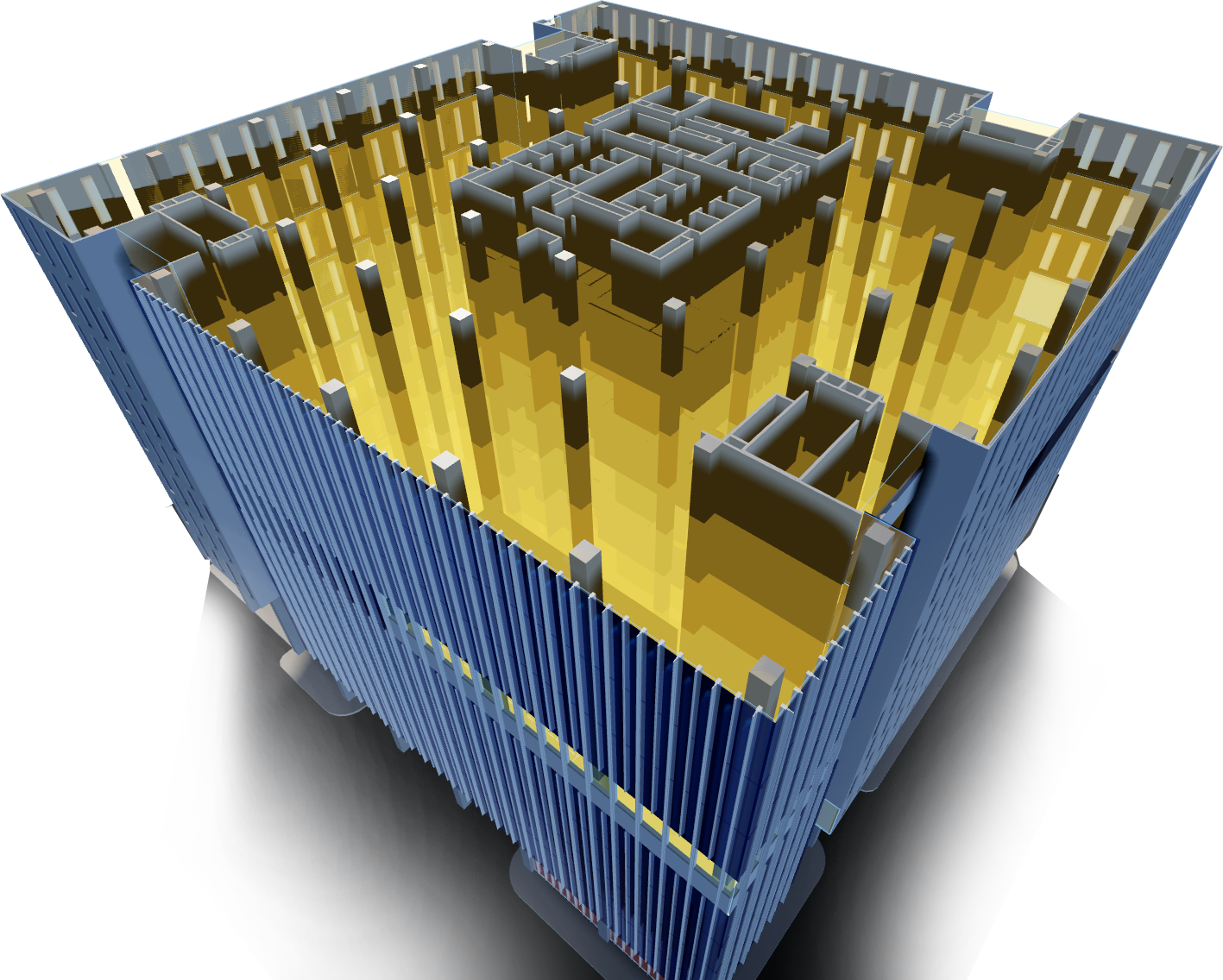
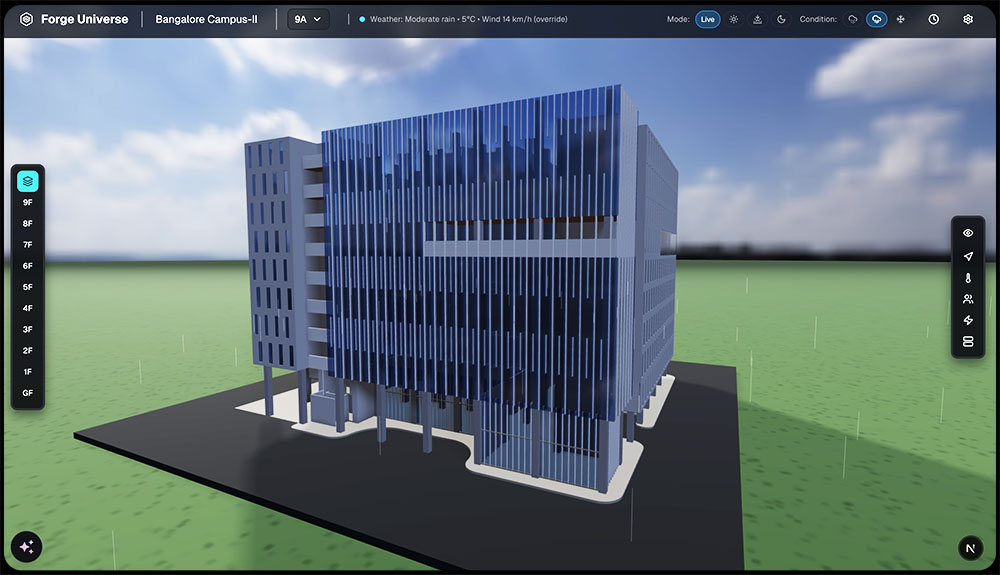
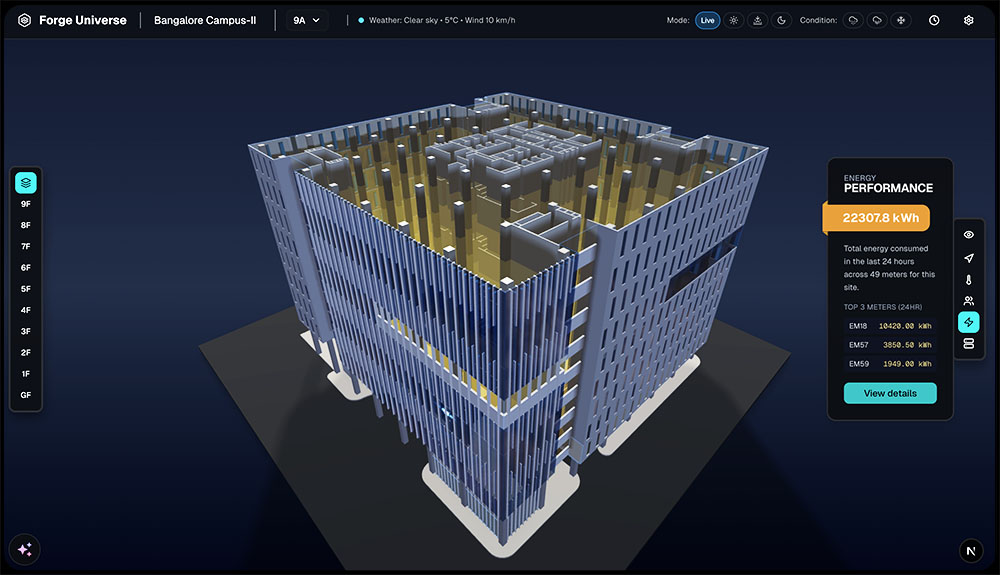
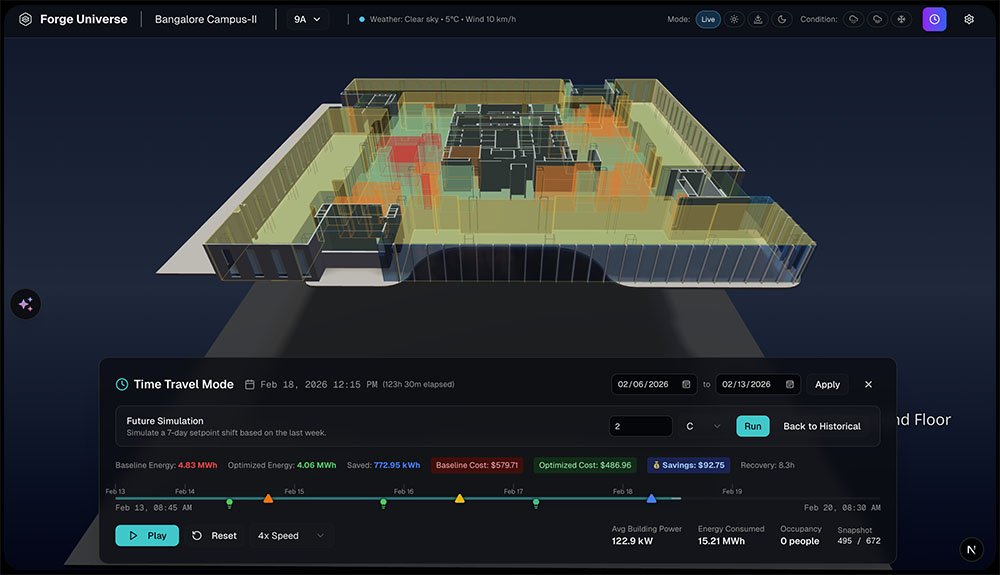
Let me walk you through one of my most meaningful UX projects — Autonomous Digital Twin building management platform. What made this project exciting wasn’t the 3D graphics or the technology. It was the opportunity to fundamentally reimagine how people understandcomplex building data.
Team and Timeline Overview
Garry Kapoor
Connected Buildings
Prabhat Ranajan
Chief Technology Officer
7 Weeks
Timeline
01 - WHAT DID WE
IDENTIFIED?
PAIN-POINTS
EXPECTATIONS
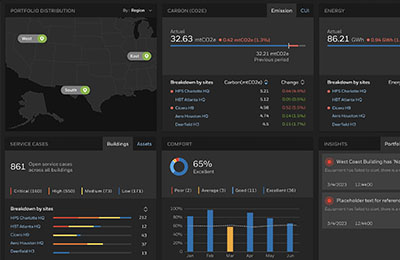
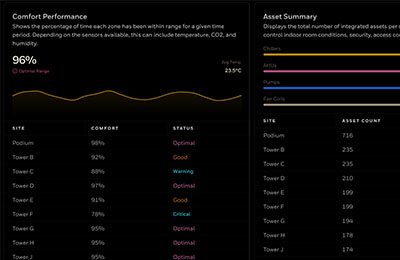
When I first met with facility managers and building engineers, one thing became very clear: They were drowning in tools — dashboards, PDFs, spreadsheets, asset databases, BMS systems. To answer even a simple question like ‘Why is Floor 8 consuming so much energy?‘.
They had to open 4–5 systems, decode asset IDs, and mentally map numbers onto a floor plan. I watched a facility manager spend 20 minutes trying to find one VAV unit, and the entire process relied on his memory. I realized the true problem wasn’t the interface. It was…
Heavy cognitive load
No spatial context to interpret data
Slow to derive insights
Hard to communicate building issues to executives
Time wasted navigating interfaces, not solving problems
Dashboards force users to:
* Interpret numbers
* Translate them mentally into spatial context
* Remember asset IDs
* Bridge gaps between tools
Hard to communicate
Executives glaze over when I show spreadsheets
Complex Navigation
I can't see the big picture, just isolated metrics
EXPECATION
How might we make building data feel as natural to explore as walking through the actual building?
02 - RESEARCH & DISCOVERY
OBSERVED?
PAIN-POINTS
PATTERNS
INSIGHTS
I conducted interviews, contextual inquiries, and workflow mapping sessions. Here’s what we uncovered:
PATTERNS EMERGED:
Users performed 7–12 clicks per insight
They constantly switched between tabs
They had to remember asset naming conventions
Executives couldn’t interpret the dashboards they were shown
Reporting took hours every week
The biggest insight was this:
Users weren’t struggling because they lacked data. They were struggling because the data wasn’t connected to the real physical space they work in.
KEY INSIGHTS:
Users don’t need more data. They need it embedded in space, in a way their brain naturally understands.
03 - UX OPPORTUNITY
COGNITIVE LOAD PROBLEM
Interpret numbers which results in decision fatigue
Translate them mentally into spatial context – slow analysis
Remember asset IDs led to mistakes and miscommunication
Bridge gaps between tools, creates onboarding friction
OPPORTUNITY:
So I reframed the challenge:
What if users could explore data the same way they explore a real building? And what if they could simply ask the system questions in plain English?
Instead of forcing people to think like software, we let the software think like people.
04 - UX STRATEGY
DESIGN PRINCIPLES
Natural interaction – Ask questions in plain English, not navigate menus.
Spatial First – Visualize data where it lives—in rooms, floors, buildings.
Progressive Reveal – Show just what matters at each level—building → floor → room → asset.
Instant Clarity – Use color, animation, and motion to highlight patterns and anomalies.
Zero Learning Curve – Make the experience “just work” for anyone, from engineers to executives.